Identity
Name, date of birth, age or a subset of known details.
ФИО / NameSHERLOCK REPORT / FEATURES
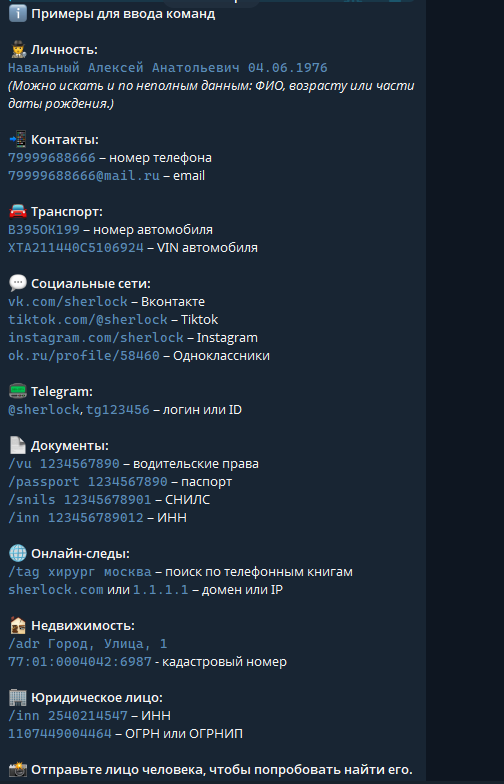
These categories and formats come from the supplied Sherlock Report menu. Check the current interface for availability and input rules.
Name, date of birth, age or a subset of known details.
ФИО / NameA phone number in international format or an email address.
[email protected]A vehicle registration number or VIN.
VINProfile links for VK, TikTok, Instagram and Odnoklassniki.
URLA username or a known numeric Telegram ID.
@username / tgIDThe menu lists driving licences, passports, SNILS and INN identifiers.
/vu · /passport · /snils · /innPhone-book search, a domain name or an IP address.
/tag · example.comAn address or a cadastral number in a supported format.
/adrINN, OGRN or OGRNIP as listed in the service menu.
/innThe menu offers an option to send a face image to try to find a match.
Фото / PhotoA person search does not require every detail. A separate form lets you enter just a surname, part of a birth date or an age range.
Explore partial-data search ↗The labels show a data type or command rather than a ready-to-run query. Check syntax in the menu and use only information you are entitled to process.
Open the bot